

Landing + inline search
Hero, how-it-works, features, use cases, and a search entry that deep-links to /search?q=.
NeedVisitors should understand the pipeline before waiting on AI.
ValueClear product story and fast first query.
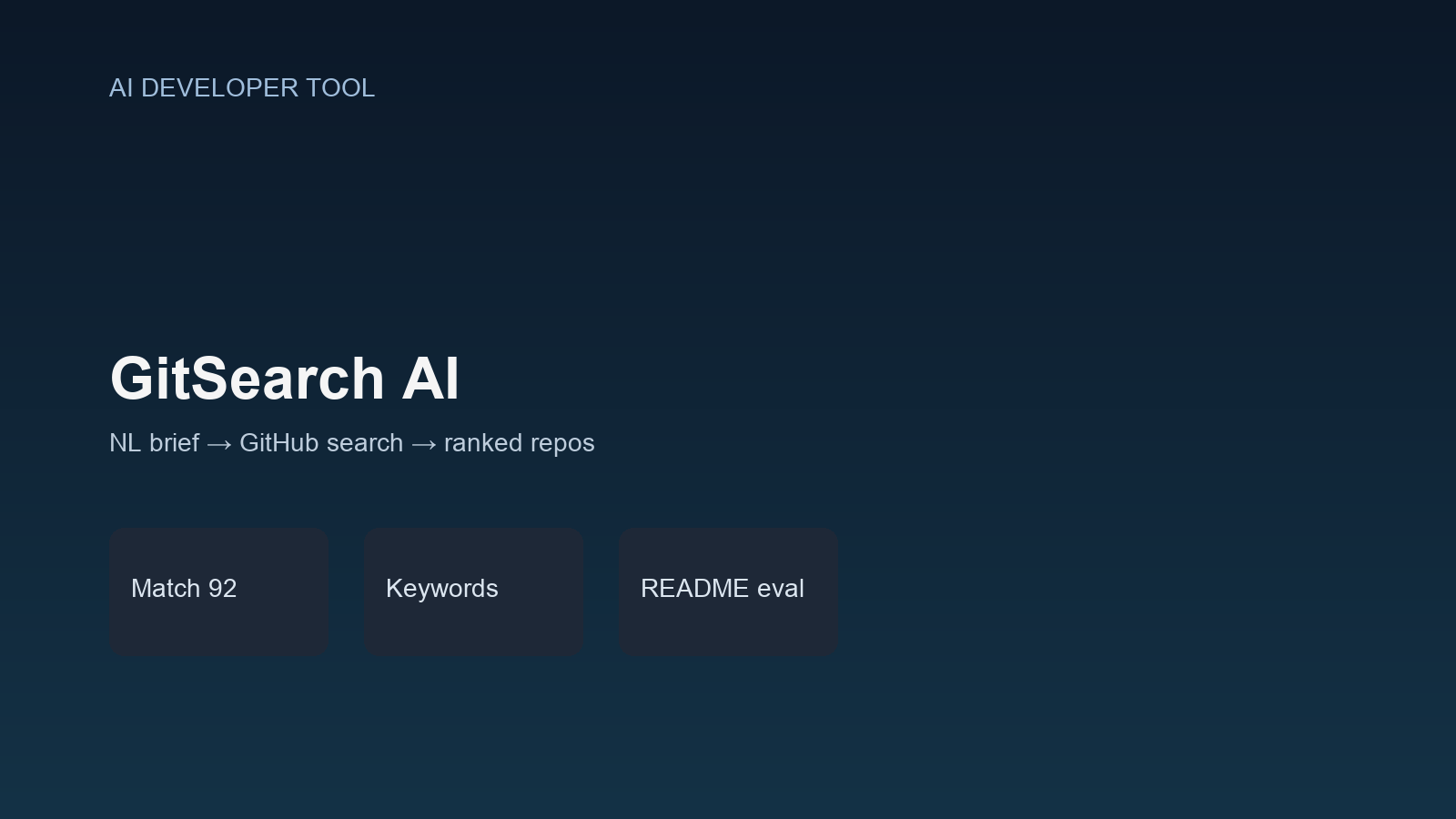
ProjectsCase StudyAI Developer Tool2026
Case Study
Describe what you want to build—AI searches GitHub, reads READMEs, and returns ranked repos with scores, strengths, and gaps.
Natural-language GitHub discovery—describe what you want to build; AI searches repos, reads READMEs, and returns a ranked shortlist.
GitSearch AI turns a project brief into GitHub keywords, runs multi-strategy search, enriches candidates with READMEs, and scores matches with strengths, gaps, and tech tags—no accounts, no database, dual Gemini/OpenAI providers.
GitSearch AI replaces manual GitHub keyword digging. Developers paste a build brief; the app extracts short search keywords, queries GitHub, demotes curated list pollution, reads READMEs, and returns a top-five ranked shortlist with match scores.
The experience is free and account-free: a marketing landing plus /search with live streaming progress (understanding → keywords → searching → READMEs → evaluating → ranking).
Architecture is a server-side search orchestrator behind POST /api/search. AI is provider-abstracted (Gemini or OpenAI), GitHub search uses staged strategies, and evaluation is batched to control latency and cost.
There is no auth or database in the MVP—intentional scope so the case study centers on AI + search quality, streaming UX, and typed failure modes.
Developers hunt starters and libraries by guessing GitHub keywords, scrolling awesome-lists, and skimming READMEs one tab at a time—slow and noisy when the intent is a full project brief.
Choosing the wrong repo wastes days. A short, scored shortlist with strengths and gaps turns discovery into a decision—not another search rabbit hole.
GitSearch AI runs a deliberate pipeline from brief to ranked repos:
NL brief → short GitHub keywords (2–4 words × 3) plus checkable requirements via structured AI JSON.
Strict exclusions → broader queries → name-only fallbacks; dedupe across keyword passes.
Pre-filter candidates and demote curated/awesome lists before expensive README + AI work.
Concurrent README fetch, batched evaluation for matchScore, tech, strengths, gaps, and recommendation reason.
NDJSON events so the UI shows understanding → ranking instead of a silent 60s wait.
Faster open-source discovery with a transparent pipeline, ranked matches that prefer real projects over list repos, and a dual-provider AI core ready to swap models.
Hero, how-it-works, features, use cases, and a search entry that deep-links to /search?q=.
NeedVisitors should understand the pipeline before waiting on AI.
ValueClear product story and fast first query.
Empty tips state, live progress steps, ranked RepositoryCards with score, summary, strengths, gaps, tech, stars.
NeedTrust comes from seeing why a repo ranked.
ValueDecisions, not just links.
Typed Validation / GitHub / AI / RateLimit errors surfaced with retry.
NeedUpstream APIs fail; the UI must recover gracefully.
ValueFewer abandoned searches.
Structured completion turns a brief into short GitHub-friendly keywords and requirements.
NeedLong phrases break GitHub AND search.
ValueHigher recall without noise queries.
Parallel keyword searches with exclusion stages and fallback query builders.
NeedOne query shape is not enough across domains.
ValueBetter candidate pools for evaluation.
Heuristics and scoring prompts demote awesome-lists / curated collections (score 0–15).
NeedLists look popular but are not starters.
ValueShortlists favor buildable repos.
Cap candidates, truncate READMEs, evaluate in batches with concurrency limits.
NeedLatency and token cost explode without caps.
ValueUseful answers within the 60s route budget.
Unified createStructuredCompletion for Gemini or OpenAI via env (model + key).
NeedCost and availability should not lock the product to one vendor.
ValueSwap providers without rewriting the orchestrator.
POST /api/search streams progress and complete/error events.
NeedMulti-step AI work needs visible progress.
ValuePerceived performance and clearer failures.
No auth or database—each search is a self-contained orchestration.
NeedShip discovery quality before accounts and quotas.
ValueFast iteration on ranking quality.
Describes a project brief on landing or /search
API extracts keywords and requirements
GitHub search runs multi-strategy queries
Heuristics select top candidates
READMEs fetch concurrently
AI scores and ranks top 5
Developer opens the best GitHub match
Client opens NDJSON stream
UI advances through understanding → keywords → searching → READMEs → evaluating → ranking
Complete event renders RepositoryCards
On typed error, UI shows retry path
Server-side pipeline owns keyword AI → GitHub → heuristic select → README → batch evaluate → filter/sort.
Business valueOne place to tune quality, cost, and timeouts.
Gemini and OpenAI share a structured JSON completion interface with model fallbacks and retries.
Business valueOperate through vendor limits without rewriting features.
Short keywords, staged exclusions, and demotion of curated lists before and during scoring.
Business valueResults feel like starters, not bookmark collections.
Max 8 candidates, truncated READMEs, batch size 4, concurrency 3, batch delay, route maxDuration 60s.
Business valuePredictable spend and completable requests.
NDJSON progress events mapped by useRepositorySearch into step UI.
Business valueUsers stay with the search instead of bouncing.
Validation, GitHub, AI, and RateLimit errors carry codes for the client stream.
Business valueActionable failures instead of a generic timeout.
| Challenge | Solution |
|---|---|
| Natural-language briefs produced noisy GitHub queries that returned lists and weak matches. | AI keyword extraction into short phrases plus multi-strategy search and list demotion. |
| Evaluating every search hit with full READMEs was too slow and expensive. | Heuristic shortlist, truncated READMEs, batched AI evaluation, and concurrency limits. |
| A single LLM vendor created cost and availability risk. | Provider-abstracted structured completions with env-selected Gemini or OpenAI. |
| Multi-step pipelines felt broken during a long silent wait. | NDJSON streaming progress steps in the search UI. |
| Accounts and caching would have delayed learning whether ranking quality worked. | Ship a stateless MVP; roadmap Redis cache, queues, embeddings, and quotas later. |
Recommended capture order for the case-study gallery.
For discovery tools, a ranked shortlist with strengths and gaps beats dumping fifty GitHub links.
Cap the AI surface area early—candidate limits and batching decide whether the product feels instant or broken.
A provider interface for structured completions keeps the orchestrator stable when models change.
Demoting awesome-lists is a product feature, not a footnote—popularity without buildability wastes trust.
| Priority | Improvement | Business value |
|---|---|---|
| High | Redis (or similar) cache for repeated briefs and GitHub/README payloads | Lower latency and AI cost on common queries. |
| High | Background jobs (BullMQ / Inngest) for heavier evaluation paths | Room for deeper analysis without route timeouts. |
| Medium | Embedding-assisted ranking alongside LLM scores | Better semantic fit for vague briefs. |
| Medium | Light quotas / abuse controls without full accounts | Protect GitHub and AI budgets as traffic grows. |
| Low | Saved shortlists and compare mode | Help builders decide across two or three finalists. |
GitSearch AI is a case study in intent → search → evaluate pipelines—provider abstraction, streaming UX, and ranking quality without a heavy backend. If you need similar craft on a developer tool, start a conversation.
Start a conversationHow the pipeline stays fast enough to feel useful while still reading real READMEs.
UI and hooks stay thin. Quality lives in search-orchestrator: keyword AI, GitHub client, heuristic selectTopCandidates, concurrent README fetch, and batched evaluation.
That separation makes it possible to tune ranking without rewriting the landing or card components.
Awesome-lists rank well on stars and keywords but fail as “what should I build on.” Heuristics and scoring prompts both push them down so the shortlist prefers implementable repos.
Skipping auth and DB kept the MVP focused on whether the AI + GitHub loop works. Caching, queues, embeddings, and quotas are documented next steps once quality is proven.
Full Stack Product Engineer
Personal product / AI developer tool
2026
Solo build
Next Project
AI assistant
Ask me anything about Zohaib